Year in Cats-3606 by Tom Royal on Flickr
Year in Cats-3407 by Tom Royal on Flickr
Year in Cats-3207 by Tom Royal on Flickr
Year in Cats-3125 by Tom Royal on Flickr
Year in Cats-3045 by Tom Royal on Flickr
Year in Cats-2790 by Tom Royal on Flickr
Year in Cats-2600 by Tom Royal on Flickr
Year in Cats-2500 by Tom Royal on Flickr
Year in Cats-2494 by Tom Royal on Flickr
Year in Cats-2249 by Tom Royal on Flickr

You're using a very old version of Internet Explorer which can't show the photos that should be in this box. Please consider upgrading to a newer version of IE or an alternative such as Firefox. Thanks.

18 Months in (mostly) cats

March 24th, 2013

I've had my iPhone for 18 months now, and for most of that time it's been the best camera I've had to hand – so I've taken thousands of photos. Most of them never left the phone, but now that I'm about to take a screwdriver to it (busted headphone jack) I thought I'd rifle through and see if there's anything worth saving.

Perhaps unsurprisingly: lots of cat photos. And so, here's 18 months in (mostly) cat-snaps.

First up, Ralph, clearly puzzled by the shiny new gadget being shoved in his face:

Year in Cats-0013

Shortly after getting the phone, I was off to Kyoto and Hiroshima – Ralph helped to pack:

Year in Cats-0017

.. but I left the new phone at home. On my return, Hunter was just puffing around being cute.

Year in Cats-0043

Next up, lots of photos of Helen and I packing. The cats helped out by snoozing on the boxes:

Year in Cats-0053

.. then came the terrifying day of moving house:

Year in Cats-0083

.. and further terror in our new place.

Year in Cats-0089

They didn't come out for a day. Suddenly, though, a Ralph appeared:

Year in Cats-0094

.. and a furball:

Year in Cats-0125

.. it took a while before they could deal with the concept of two floors, though.

Year in Cats-0151

Read the rest of this entry »

How To: Turn Jimmy Wales into Business Cat

November 21st, 2011

There's been a lot written about those Wikipedia Jimmy Wales banners. For my part, I'm just pleased that, unlike late 2010, this year's version doesn't use an image approximately 10bn pixels long. But if you're getting tired of seeing Mr Wales every day – and, preferably, after you've donated – here's how to replace him with Business Cat.

Step One: Install Stylish for Firefox from here.

Step Two: Click the Stylish icon in the toolbar. Choose "Write New Style", then Blank Style

Step Three: Give it a name ("BAI JIMMY") then paste this code into the box:

@namespace url(http://www.w3.org/1999/xhtml);

@-moz-document domain("en.wikipedia.org") {

#B_1114_WMUK_Jimmy, #B_1114_WMUK_JimmyBig {
position: relative;
background-image: url("http://tomroyal.com/tmp/ohaijimmy.jpg") !important;;
background-repeat: no-repeat;
height:170px;
}

}

Step 4: Enjoy.

The Catprentice

May 15th, 2011

Who will Sir BusinessCat choose as his apprentice, and who will get fired? A test using a chromakey sheet and the Creative Vado HD camera I bought the other day.

Mewsnight

March 10th, 2011

Something I knocked up the other week while playing with DIY Chromakey. The green screen (four sheets of A4 paper) worked fairly well. The camera, on the other hand – an early consumer HD model with no effective manual focus – was a bit crap.

Kitten Block – Now for Chrome

February 14th, 2011

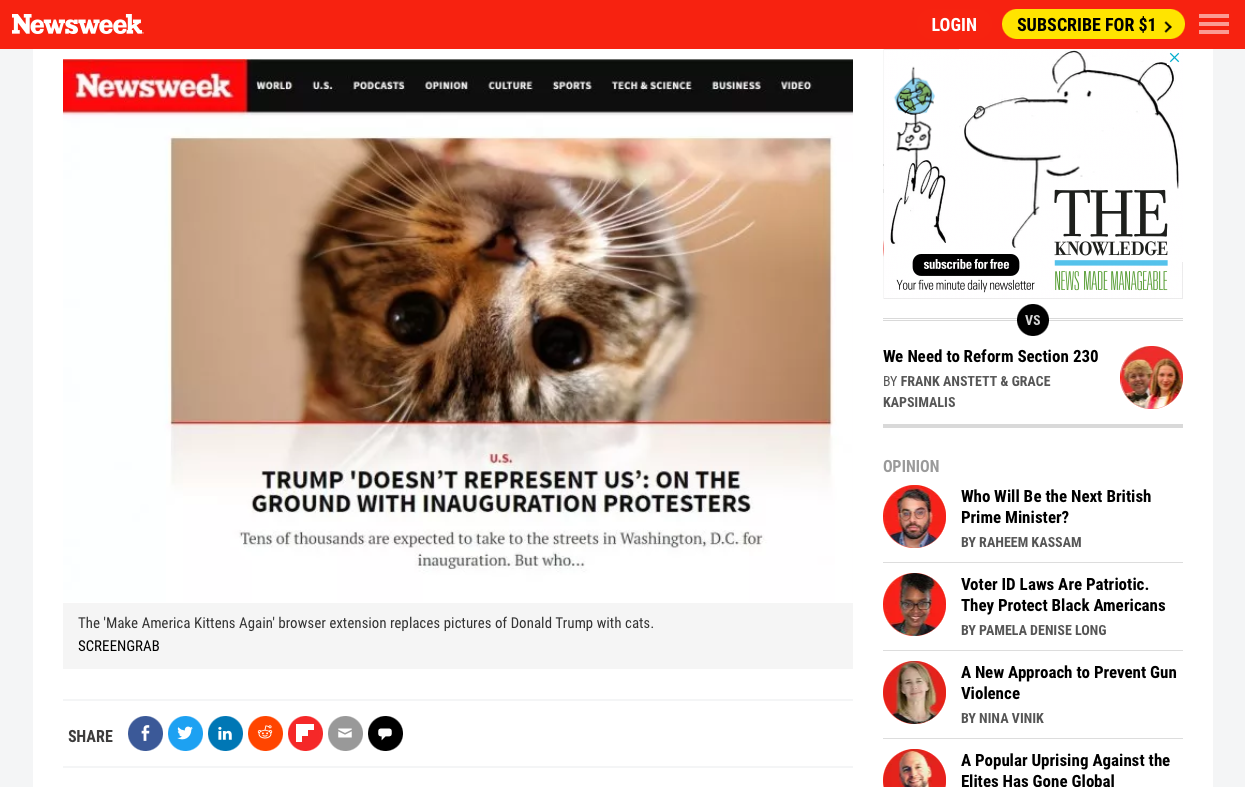
Kitten Block for Firefox now has over 1,000 users and has been verified by Mozilla, but I've also had dozens of requests for a version that works with the Chrome browser. So, er, I made one. You can get it here.

As with the Firefox version, it's very simple: no options, just simple kitten-based blocking. Enjoy!