Category: geek
-
I joined Twitter in January 2009 for what might not have been the best of reasons – I was being miserable about it on BBC Radio, and thought I should at least make an effort to try the thing I was being professionally miserable about – and, somehow, have kept using it ever since. But,…
-
It’s been a weird week. Back in February, someone* asked if I could do a Trump version of my UKIP blocking plugin. About five small code changes later, I had one in the Chrome store: By request: MAKE AMERICA KITTENS AGAIN: https://t.co/Gg7mg3KGKL pic.twitter.com/wf5swmbtzT — Tom Royal (@tomroyal) February 27, 2016 Since then it’s been ticking…
-
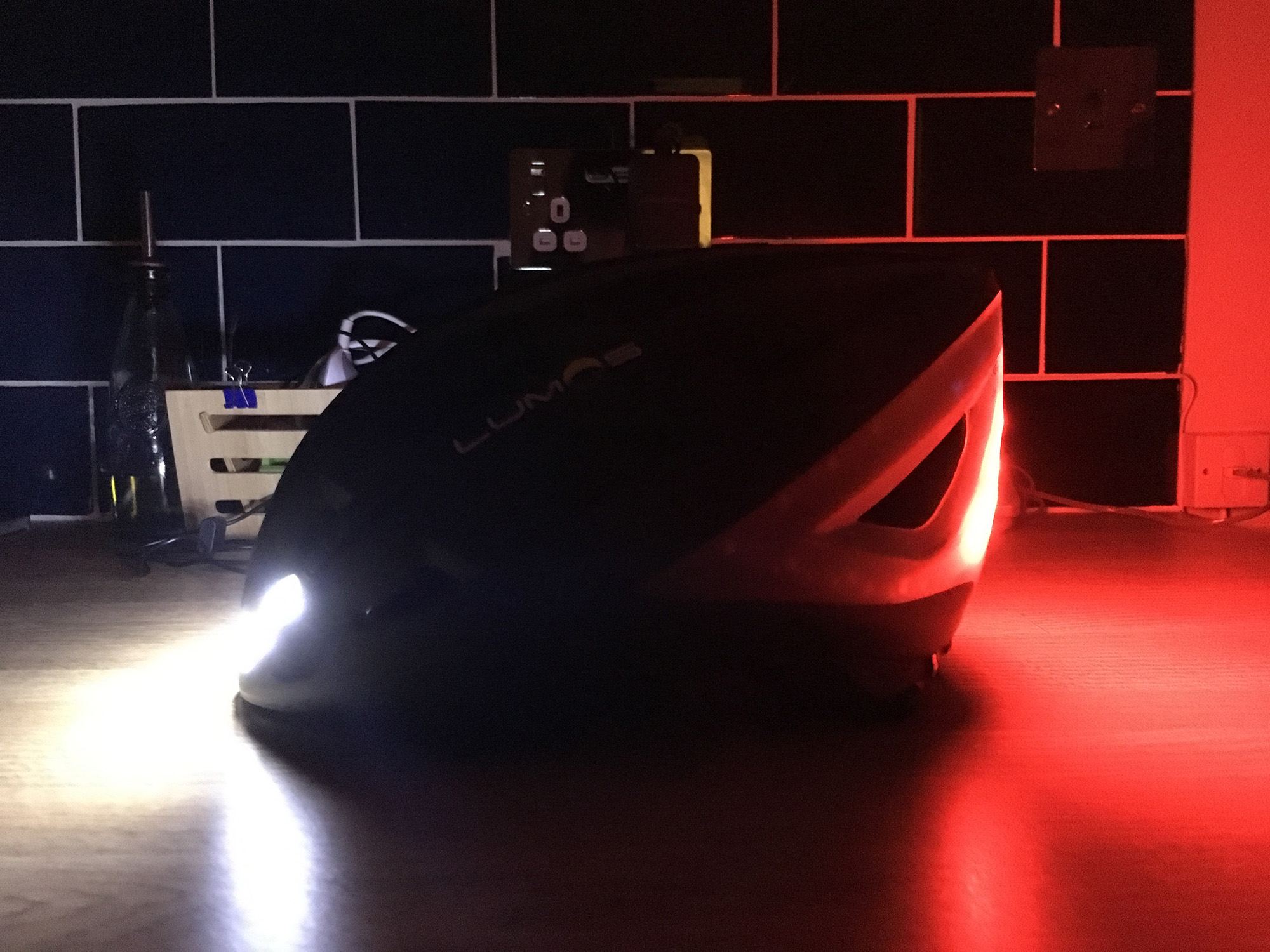
I’ve been cycling to work in London, a few times each week and 16km each way, since 2012. For about half the year, that means riding through the dark, and so I’ve become the proud owner of a large number of LED bike lights. As well as lights front and back, I’ve taken to wearing…
-
In January 2015 I put together a simple twitterbot called Robot Reporter. The idea was to see if I could keep track of breaking news by monitoring Twitter for the journalists who use it as a way to find images of newsworthy events. It works a little like this. Something happens, and a user photographs it: Fire…
-
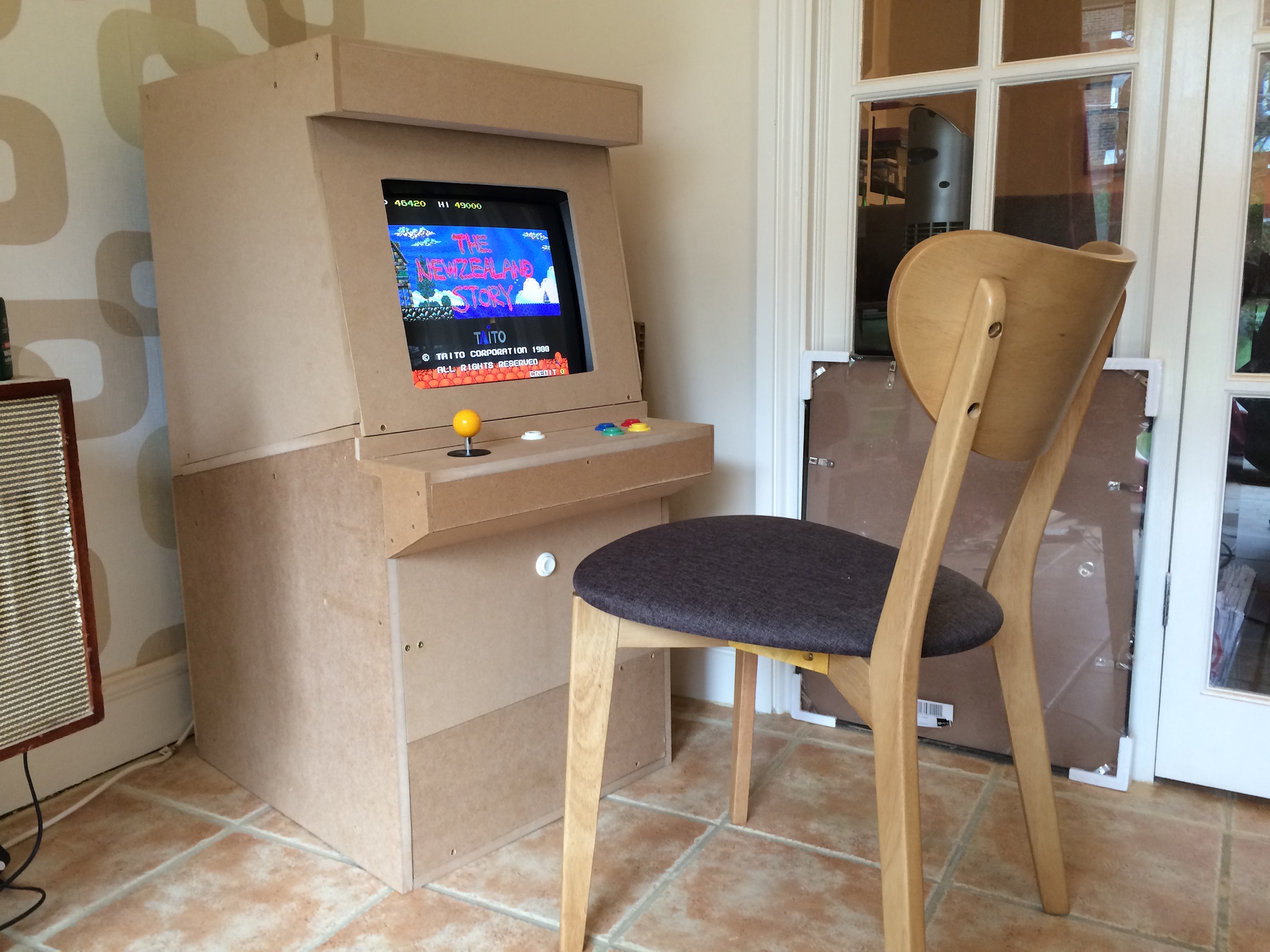
When I was a kid, I used to go for swimming lessons in the local leisure centre. In the lobby there were three machines: one that vended miscellaneous swimming items (cheap goggles, earplugs, etc), one that sold various less-than-healthy snacks, and one arcade game machine playing a game called The NewZealand Story. I never played…
-
File this one under “stuff I’ve been meaning to look up for ages”: yesterday I finally sat down and wrote a Twitter-bot. You know the kind – a dedicated account that looks for updates containing a certain word or phrase, then retweets them – I often end up being tweeted by @redscarebot, for example. Anyhow,…
-
Hello. If you’re visiting this post, you’ve probably spotted @theroboreporter on Twitter. Or maybe it retweeted you, and you’ve asked why, or asked it to delete a tweet. In any case, here’s what you need to know: @theroboreporter isn’t a person, it’s software. Here’s what it does: 1) Journalists all around the world scour Twitter…
-
Per the excellent suggestion of Marina Isaac, UKitten is a Chrome Extension that replaces all images of Nigel Farage or related to UKIP with images of kittens from Tea and Kittens. It’s available now from the Chrome Web Store. UPDATE: Now also available for Safari – click here to download, then double-click that file to…
-
ADP freedom is an online payroll management system, designed years ago and somehow still in use. It does not allow you to log in using any recent version of Firefox* or Chrome, and now also rejects IE10. So, if you’re using Windows 8, you could be completely locked out of your own salary and tax…